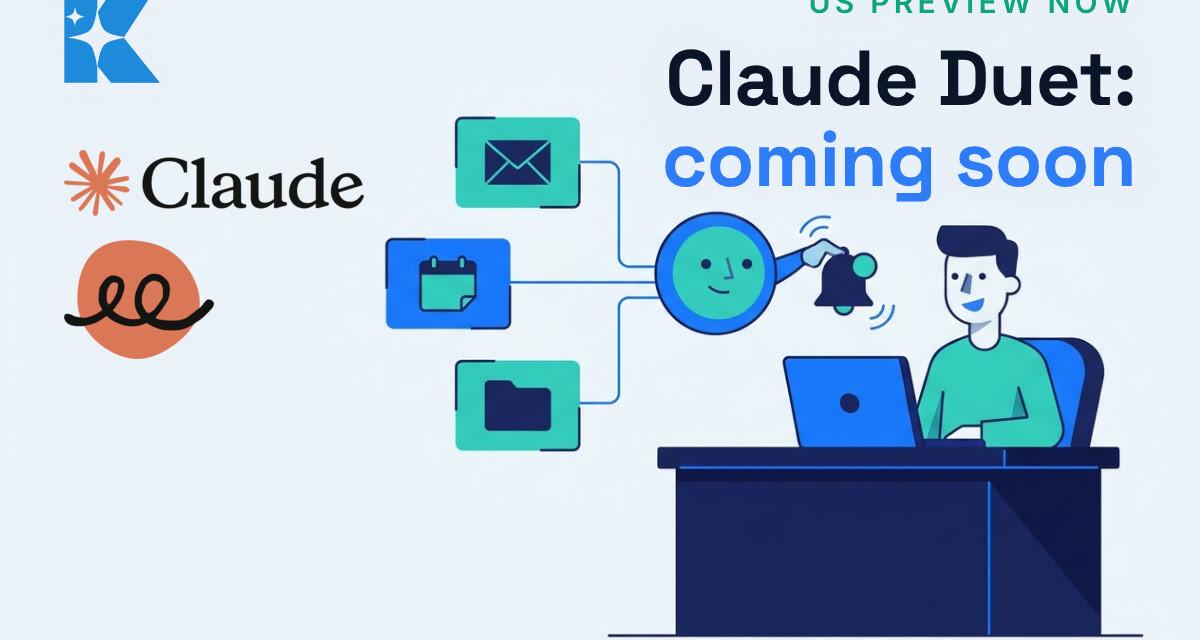
Claude Duet is coming soon, and it changes what "using an AI assistant" means for a small business. Instead of waiting for you to type something, it checks your apps and comes to you. For now it is a research preview on a waitlist, starting with US Pro and Max subscribers, and Anthropic has not announced a UK date. This post covers what Duet does, where it is limited, and the 20 minutes of setup that will make it useful from day one when it reaches you.
What Claude Duet does
Everything below comes from Anthropic's own Claude Duet page, which describes it as a proactive agent built around Claude Opus 5.5 for professionals and small business owners.
- A morning brief. Each morning it sends a short brief on the most important items across your connected apps.
- Monitoring without the noise. It checks your connected accounts every few hours and messages you only when something needs you. You choose what you hear about and how often.
- Tasks, simple or large. Anthropic gives scheduling meetings as a simple example, and building dashboards, forecasts, prototypes and web apps as larger ones.
- Work while you are away. It runs on a virtual machine with its own browser, so your laptop or phone does not need to be on.
- Your context carries over. It uses the memory, skills and connected apps already set up in your Claude account, and you talk to it in one ongoing thread by typing or voice.
- Over 6,000 connectors and plugins. Examples Anthropic lists include Gmail, Slack, QuickBooks, Stripe, Gusto, LinkedIn, Docusign, HubSpot, Canva and Shopify.
- Buying things. It can pay through Link, Stripe's digital wallet, using a virtual card, and can check out with Shop Pay.
Two further features are marked as coming soon: a visual storefront editor for Shopify, and signing in to sites with 1Password logins, with your permission.
The guardrails, and the limits
Before it sends a message, makes a payment, signs a document or deletes anything, Duet shows you exactly what it is about to do and waits for your approval. Some actions are blocked even with approval, such as trading securities or moving money between accounts. You can disconnect any app at any time, and Anthropic says it never directly sees your passwords or sign-in tokens.
Anthropic is also open about the weak spots. Duet "might misread a thread or miscalibrate what's urgent", personal errands such as booking tickets are "not quite as strong", and it cannot yet show you its browser. Usage is the practical catch: background checks count toward your plan's limits, and larger jobs such as financial models or decks take more of them. It is included with Pro and Max with no separate price listed, so the cost is your allowance.
Why it matters for a small business
The owner's day is mostly small jobs that wait on you: the email that needs a reply, the invoice that has not been paid, the meeting you have not prepared for. A tool that surfaces those first is aimed squarely at that. As an illustration on our own numbers, not a sourced result: if a 20 minute morning triage came down to 10, that is 10 minutes a day, 5 days a week, 48 weeks a year, or about 40 hours back. Your own figure will differ, but it shows where to aim it first.
The 20-minute setup to do now
Because Duet uses the connectors, memory and skills you already have in Claude, the groundwork is something you can do today with the Claude you already use. We have not used Duet ourselves, so this is how we would prepare, not a report from the preview.
- Connect your email, calendar and drive in Claude (Gmail, Google Calendar and Google Drive if you use Google Workspace). Check what your plan allows, as connector access varies by account.
- Write a one-page "how my business works" note in a Claude Project: what you sell, who your best customers are, what counts as urgent, and what must never go out without your say-so. Our guide to setting up a Claude Project covers the steps.
- Run a manual morning brief for a week. Paste this into your Project each morning: Look at my email, calendar and files from the last 24 hours. Give me: (1) anything that needs a reply today, with a one-line draft; (2) any meeting I should prepare for and what to read first; (3) anything waiting on a payment or a decision. Do not send or change anything. Keep it under 200 words.
- Write your approval rules. Our suggestion: it may draft anything, it never sends to a customer without you reading it, and it never touches money.
Each morning, note what the brief got wrong: something flagged as urgent that was not, or an urgent item missed. Those notes are the rules you will give Duet later, and they also show how much of your usage allowance a daily brief takes before anything runs on its own.
What we would do
If a client asked whether to wait for Duet, we would tell them to spend the 20 minutes now. If it reaches the UK soon, you are ready. If it takes longer, you still have a morning brief and written rules that save time today.
If you want help setting up connected tools for your business, we offer a free 30 minute AI audit. Which job would you hand to an assistant first: email, invoices or meeting prep?


