Your AI coding tool has just told you to install Docker, and you have no idea why. Or you have hit the other classic: the app works perfectly on your laptop and falls over everywhere else. If you build apps with Claude Code, Cursor, Lovable or Bolt and you never trained as a developer, this guide is for you.
Here is the short version, and it is the line we give every client who asks: Docker is a lunchbox for your app. Use it when your project has a database you could break. Skip it for everything else. The rest of this post explains what that means, why your AI tool brings it up, and one question that settles it for any project.
Docker, explained like you are five
Imagine you build a toy brick castle at home and want to show it to a friend. You carry it round to their house, but their bricks are a slightly different size and their table wobbles. The castle falls apart.
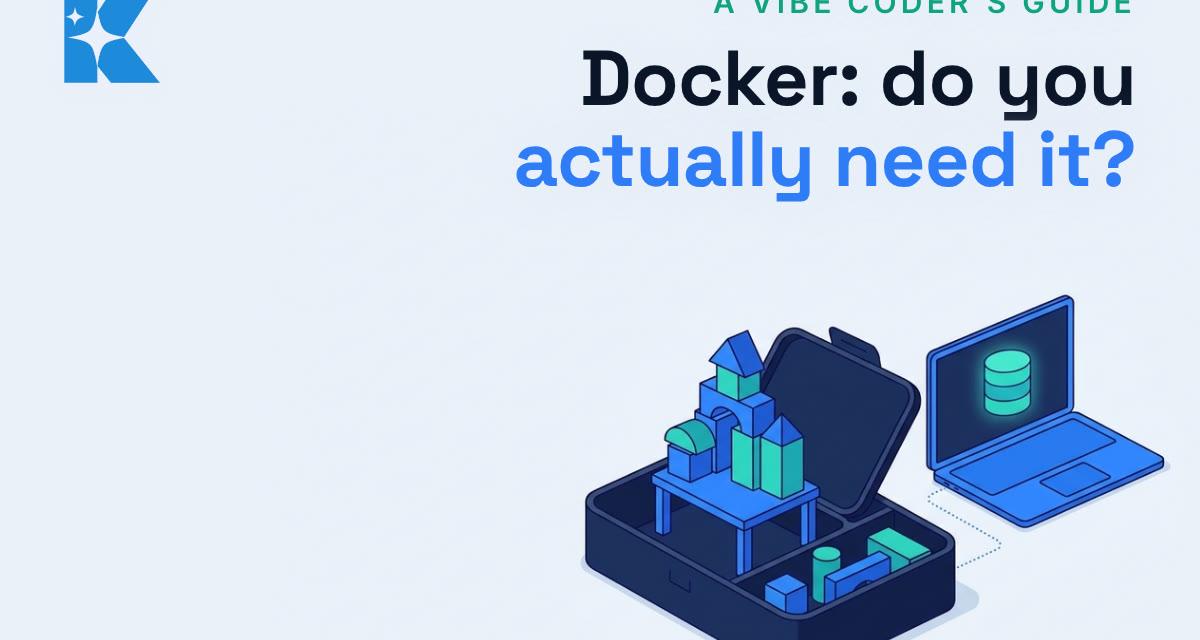
Now imagine you pack the castle in a lunchbox, with every brick it needs and its own little table. Open the lunchbox anywhere and the castle stands up exactly as it did at home.
Docker is that lunchbox for software. It packs your app together with everything it needs to run (the right versions of the right programs, settings and files) into a box called a container. The container runs the same way on your laptop, a colleague's laptop or a server. That is where "it works on my machine" goes away: the machine travels with the app.
One technical line, for the curious: containers are lighter than full virtual machines because they share the computer's own operating system rather than running a whole second one. That is why you can run several at once on an ordinary laptop. Docker's own overview covers the detail if you want it.
Why your AI coding tool keeps asking for it
Your AI tool does not need Docker. Some of the tools in your project do. The most common example for vibe coders is Supabase, the popular backend that gives you a database, user logins and file storage in one place.
Supabase can run a full copy of your backend on your own laptop, and its local development setup uses Docker to do it. When you (or your AI) run supabase start, Docker opens a set of lunchboxes: one for the database, one for logins, one for storage and so on. If Docker is not installed and running, that command fails, and your AI tool tells you to install it.
Why would you want a copy of your backend on your laptop? Because it gives the AI a safe practice copy. It can create tables, change data, break things and reset the whole lot in seconds, without touching your real users or your live data. Mistakes happen on the copy. Only finished, tested changes go to the real thing.
This is not a theoretical worry. In July 2025 an AI agent on Replit deleted a live production database during a code freeze, wiping records on more than 1,200 executives and companies, as Fortune reported. The owner got the data back, and Replit's fix was telling: it moved to separate development and production databases automatically. A practice copy is exactly what that is.
When to use Docker
Use it when your project has any of these:
- A database you will test against. Supabase, Postgres, MySQL or Redis. This is the big one.
- Several pieces that need to run together. For example a website, an API (the part that answers requests from the website) and a database. Docker starts them all with one command, wired up the same way every time.
- Plans to deploy as a container. Hosts such as Fly.io, Railway, Google Cloud Run or your own server (a VPS) can run the same lunchbox you tested on your laptop.
When to skip it
Skip it, and keep life simple, for:
- Landing pages and static sites. There is nothing inside to break.
- Frontend-only apps that call hosted APIs. If your app only talks to services someone else runs, there is no local backend to copy.
- Simple scripts and automations. A script that tidies a spreadsheet does not need a lunchbox.
- Quick prototypes. Prove the idea first. You can add Docker later if the project grows a real database.
- Sites deployed on Vercel or Netlify. These hosts build and run your site their own way, so Docker adds a step without adding much.
The one-question rule
If you only remember one thing from this post, make it this question. Ask it at the start of every project:
"If the AI makes a mistake here, could it damage data I care about?"
- Yes: use Docker for a local practice copy, or a separate test project (often called staging) on your host. Let the AI loose there, not on the live data.
- No: keep it simple and skip it.
That one question does more for you than any amount of reading about containers. It also tells you what to say to your AI tool. "Set up a local Supabase copy with Docker and only run migrations against that until I say otherwise" is a perfectly good instruction, and Claude Code or Cursor will follow it.
Two honest caveats
Docker Desktop is not light. On Windows and Mac it runs a small hidden virtual machine in the background, and that can take a few gigabytes of memory (on Windows it shares the WSL 2 setup described in Docker's documentation, which is where its limits are set). On an 8GB laptop you will feel it. Quit Docker Desktop when you are working on projects that do not need it.
The local copy starts empty. It has your tables and settings, not your real customers. That is the point: it is for testing, not a replacement for your real database, and it does not replace your hosting either. You still deploy to a real host and keep your live data there, with backups.
What this could do for you
Getting this right means you can let an AI tool make bold changes, run them, see what breaks and reset, as many times as you like, with your live app untouched. That is faster than nervously reviewing every line before it runs, and much cheaper than repairing a damaged database. Getting it wrong the other way, installing Docker for a landing page, just costs you memory and a confusing extra step.
So next time your AI tool says "install Docker", ask the one question. If the answer is yes, install it and let the AI practise on the copy. If the answer is no, tell the AI to skip it and carry on building.
Building something with AI and not sure which side of the line it sits? That is the kind of question we help with every week, and the first conversation is free.


