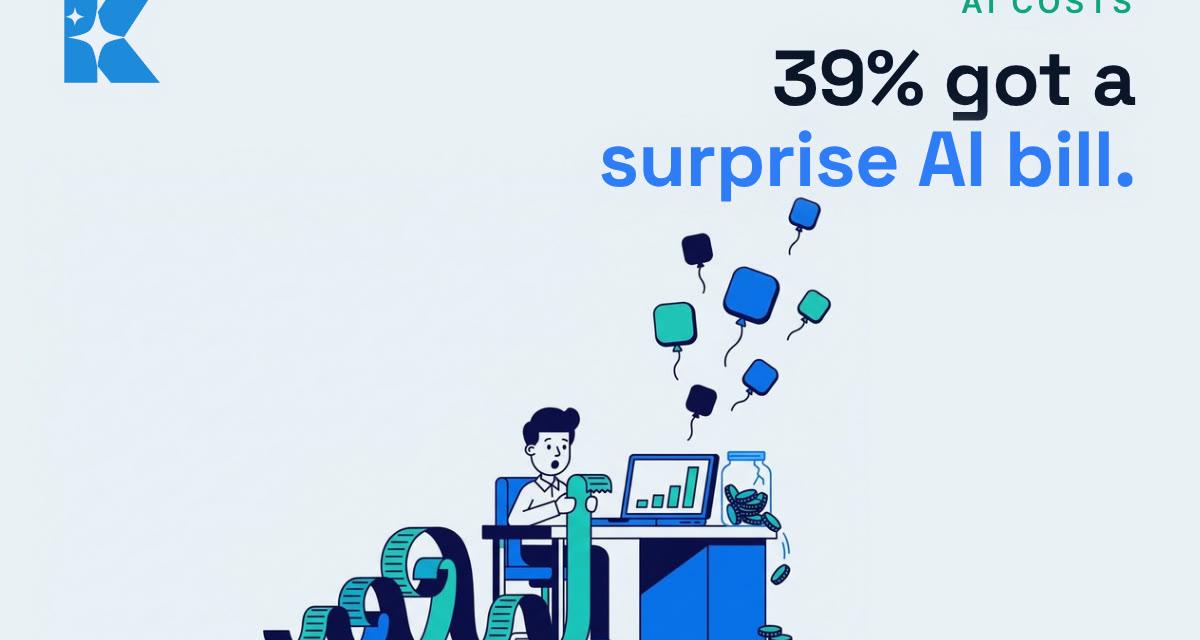
39% of UK businesses that paid for AI in the past year got at least one bill or usage charge higher than they expected. That is from Pax8's Q3 2026 SMB AI Pulse Report, which surveyed 350 UK business leaders. Our view: a surprise AI bill is rarely about the price of one tool. It is about tools nobody is watching. The fix takes about an hour, and you can do it this weekend.
We run our own daily content pipeline on about £58 a month in tools, and we still go through the statements every month. Here is the same check, written for a small business that has picked up a few AI subscriptions along the way and has never sat down to count them.
Why AI bills creep up
Most AI tools started life as a simple £20 a month subscription. That is no longer the whole picture. Many now mix a flat monthly fee with usage on top: extra credits once you hit a limit, pay-as-you-go access to the most powerful models, per-seat pricing on team plans, and metered charges inside automation tools that run AI in the background. Each one is small. Together, and unwatched, they add up.
The same Pax8 survey found that 24% of AI-engaged UK businesses discovered AI tools, workflows or agents running without approval in the last six months. Only 23% of UK firms building their own AI have a formal, documented review process, the lowest of the four countries surveyed. In plain terms: in a lot of small businesses, nobody has the full list.
That matters for cost as much as for risk. Software waste is not new. Fasthosts estimated earlier this year that UK SMEs could be wasting up to £10,000 a year on unused software, on the basis that nearly 40% of workplace software goes unused. It is an estimate rather than a measured figure, but anyone who has found a forgotten subscription on a card statement knows the pattern. AI simply adds more ways for it to happen.
Check 1: Find every AI charge, not just the ones you signed up for
Open the last three months of statements for every business card and bank account, plus PayPal and any app store account. Search for the obvious names (ChatGPT, OpenAI, Claude, Anthropic, Gemini, Google One, Copilot, Microsoft, Perplexity) and for anything you do not recognise. Then ask your team one question: "Which AI tools are you paying for, on any card, including expenses?"
Write it all in one list: tool, who uses it, monthly cost, how it is billed (flat, per seat, or usage), and the renewal date. That list is the whole point of the exercise. Most owners are surprised by at least one line.
Check 2: Cut the duplicates
The most common waste we see is two or three assistants doing the same job. One person pays for ChatGPT, another for Claude, and someone else has Gemini bundled into a storage plan. Each is good, but most small teams only need one general-purpose assistant as their default, and maybe one specialist tool for a job the default does badly.
The arithmetic is simple. Two duplicate subscriptions at about £20 a month each come to roughly £480 a year. Pick the assistant your team actually opens every day, move everyone onto it, and cancel the rest. If you are not sure which to keep, run a fortnight's test: each person notes which tool they used and for what, and the answer usually becomes obvious.
Check 3: Put a cap on anything metered
This is where surprise bills come from. Anything priced by usage (API keys, extra-usage credits, AI steps inside automation platforms, AI phone or chat agents billed per minute or per conversation) can run up a charge without anyone touching it. An automation stuck in a loop over a weekend does not ask permission.
For every metered tool on your list, look in its billing settings for three things:
- A hard spending limit, so the service stops rather than charging more.
- Usage alerts at, say, 50% and 80% of your monthly budget, sent to someone who reads email.
- Auto top-up, which you usually want switched off until you trust your usage pattern.
Most of the big AI providers offer some version of these controls in their billing or usage settings, but where they sit and what they are called changes often, so check each one on the day. If a tool offers no cap at all, that is worth knowing before you build anything important on it.
Check 4: Count the seats
Team and business plans charge per person. Seats get added when someone joins and are rarely removed when they leave, change role or simply stop using the tool. Go through the admin panel of each team plan and compare the seat list against the people who used it in the last 30 days. Most admin consoles show last activity.
Remove leavers straight away, and downgrade anyone who opens the tool once a month to the free tier, if your provider allows mixing. Business plans are priced per seat per month, so at the £20-a-month level of a typical single subscription, every unused seat is about £240 a year.
Check 5: Diary every renewal and every free trial
Annual plans are cheaper per month, but they renew automatically and the reminder email is easy to miss. Free trials are designed to roll into a paid plan. Put every renewal date from your list into your calendar a fortnight early, with the question "do we still use this?" in the title.
Then make a simple rule for the business: any new AI tool that costs money goes on the list before the card details go in. That one habit closes the gap the Pax8 survey describes, without turning a small firm into a bureaucracy.
What you get for an hour's work
On the assumptions above, a business that cancels two duplicate subscriptions and removes two unused seats, at £20 a month each, is looking at roughly £960 a year back, before you count any metered charge you have now capped. That is illustrative, not a promise, and your numbers will differ. The bigger benefit is that the next AI bill matches what you expected, so you can keep using the tools that genuinely save time without worrying about what is running in the background.
If you would like a second pair of eyes on your list, our free 30 minute AI audit goes through exactly this: what you are paying for, what is actually being used, and where AI could save you more time for the same spend.
Sources
- Pax8: Small businesses are building AI faster than they can govern it (Q3 2026 SMB AI Pulse Report)
- Compare the Cloud: Only 23% of AI-engaged UK small businesses formally review the AI they build
- TechRadar Pro: Most small businesses aren't reviewing their own AI usage properly
- IT Brief UK: UK SMEs could waste £10,000 on unused software (Fasthosts)


