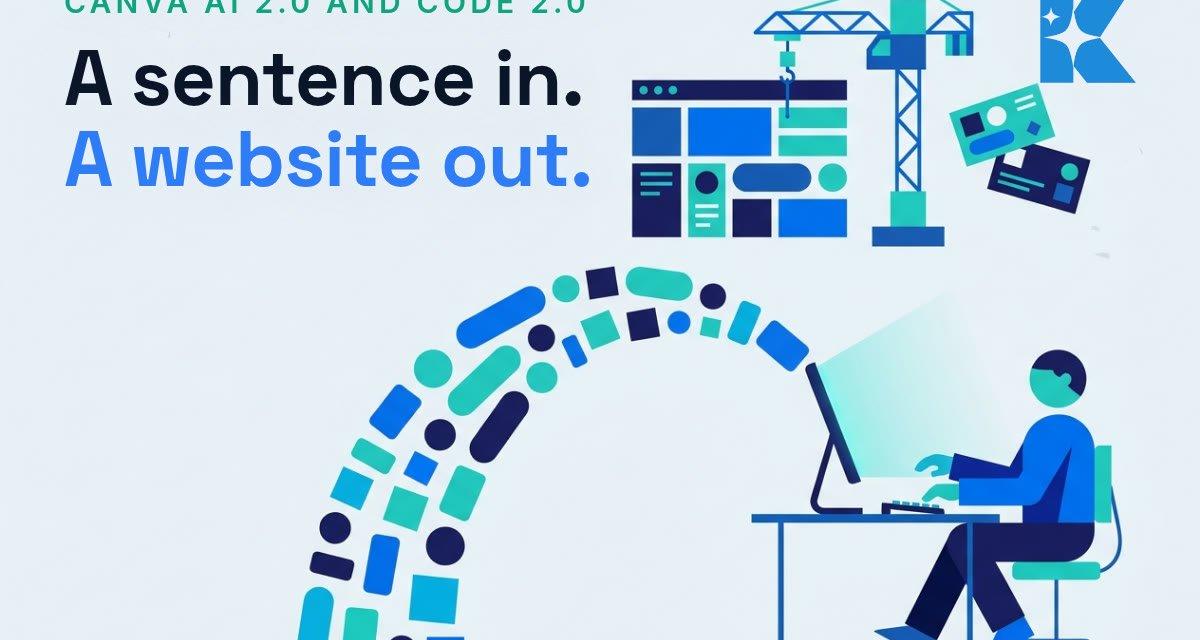
Canva has spent 2026 quietly rebuilding itself. In April it launched Canva AI 2.0, a conversational redesign of the whole platform. Then on 14 July it pushed Canva Code 2.0 out to every account, including free ones. Between the two, the tool that most UK small businesses already use for social graphics has become something much bigger: a design department, a website builder and a marketing assistant that you drive by typing sentences.
We have been testing these releases since they landed, and this is the change we think matters most for small business marketing this year. Here is what actually shipped, what it costs, and where we would be careful.
What Canva AI 2.0 actually does
The headline change is conversational design. Instead of starting from a blank canvas or a template, you describe what you want in plain language and Canva generates a fully editable design. Not a flat AI image, an editable file, with layers, brand fonts and elements you can move around afterwards.
Underneath that sit a few features that matter more than the demo videos suggest. Brand Intelligence applies your fonts, colours and style automatically, so the output starts on-brand rather than generic. Living Memory learns your preferences over time. Connectors pull live content in from Slack, Notion, Gmail, Google Drive and Google Calendar. And Automated Tasks will run jobs in the background, such as generating a week of social content in multiple languages while you get on with billable work.
Canva says its in-house AI models run up to 7 times faster and 30 times cheaper than comparable alternatives, which is why so much of this is available on the free tier rather than locked behind an enterprise plan. The platform now has 265 million monthly active users, and its AI products have been used more than 32 billion times.
Canva Code 2.0: websites from a sentence, on the free plan
The July release is the one we would pay closest attention to. Canva Code turns a written prompt into a working website or interactive app, and version 2.0 makes it available to the entire Canva community: free, Pro, Business, Enterprise and Education accounts alike.
The numbers behind it are the story. In its first year, the Canva community built more than 6 million sites with Canva Code. Code generation is now 75 per cent faster than at launch, and the median time from prompt to published page has dropped by 30 per cent. There are more than 50 starter templates, you can import existing HTML and make it editable, and you can publish to a free Canva domain or connect your own.
The 2.0 change that matters for non-technical owners is visual editing. The first version generated code you could not easily touch. Now the generated site opens in the familiar Canva editor, so you can swap images, change copy and adjust colours the same way you would edit a social post. No developer required for the small changes that used to mean a support ticket and an invoice.
What this means for your marketing budget
We will name the comparison everyone is thinking about. A standard small business website in the UK typically costs £500 to £10,000 from a freelancer, and £3,000 to £8,000 from a regional agency, with London firms starting higher. Canva Code 2.0 produces a working, editable, mobile-responsive site on a plan that costs nothing, and the wider AI 2.0 toolset comes with Canva Pro at £13 a month.
That does not make agencies obsolete. A campaign site that needs custom integrations, serious SEO work or e-commerce still justifies professional build costs. But for the landing page supporting one offer, the event page, the one-page site for a new service, or the microsite you want live this week, the honest answer is that the free tool is now good enough. We built a working landing page from a four-sentence prompt in under ten minutes during testing, then edited it in the normal Canva editor.
The uncomfortable part: 6 million sites that all look the same
Here is the statistic we would sit with. Six million sites built from prompts in a year means your competitors have access to exactly the same generator you do. Canva’s own co-founder, Cameron Adams, put it plainly at the Code 2.0 launch: when everyone has access to the same AI, the thing that sets you apart is whether what you make actually looks like you.
We see this constantly in the AI work we do with UK small businesses. The risk is no longer that AI output looks obviously artificial. The risk is that it looks competent and completely interchangeable with every other business in your postcode. A plumber in Leeds and a plumber in Luton typing similar prompts will get similar sites, similar colour schemes and similar copy.
The businesses that win with these tools are the ones that feed them something distinctive: real photographs of real jobs, a brand kit set up properly in Brand Intelligence, actual customer language rather than generic claims, and prices, guarantees and specifics that a generator cannot invent. The tool amplifies whatever identity you give it. Give it nothing and you get the average of everyone else.
How we would use it this month
First, set up your brand kit before you generate anything. Logo, exact colours, fonts, tone words. Every AI 2.0 feature keys off it, and it is the difference between output that looks like you and output that looks like everyone.
Second, pick one contained job for Canva Code: a landing page for your best offer, with one form and one purpose. Prompt it, edit it in the visual editor, put it on a domain, and point one ad or one email at it. You will learn more from that than from a month of reading about AI.
Third, try Automated Tasks on your weekly social content, but review before anything posts. The generation is fast; the judgement about what represents your business still has to be yours.
And keep your measurements honest. A free site that converts nobody costs more than an agency site that books jobs. Track enquiries, not how impressed you are with the tool.
Where Kaizen fits
We help UK founders, small businesses and trades put AI to work properly, which usually means less time choosing tools and more time wiring them into how the business actually wins work. If you want a second pair of eyes on what Canva’s new releases could replace in your current marketing spend, and where they would fall short for your specific business, we offer a free 30 minute strategy call. Bring your current website and your last month of marketing costs and we will go through it together.


