
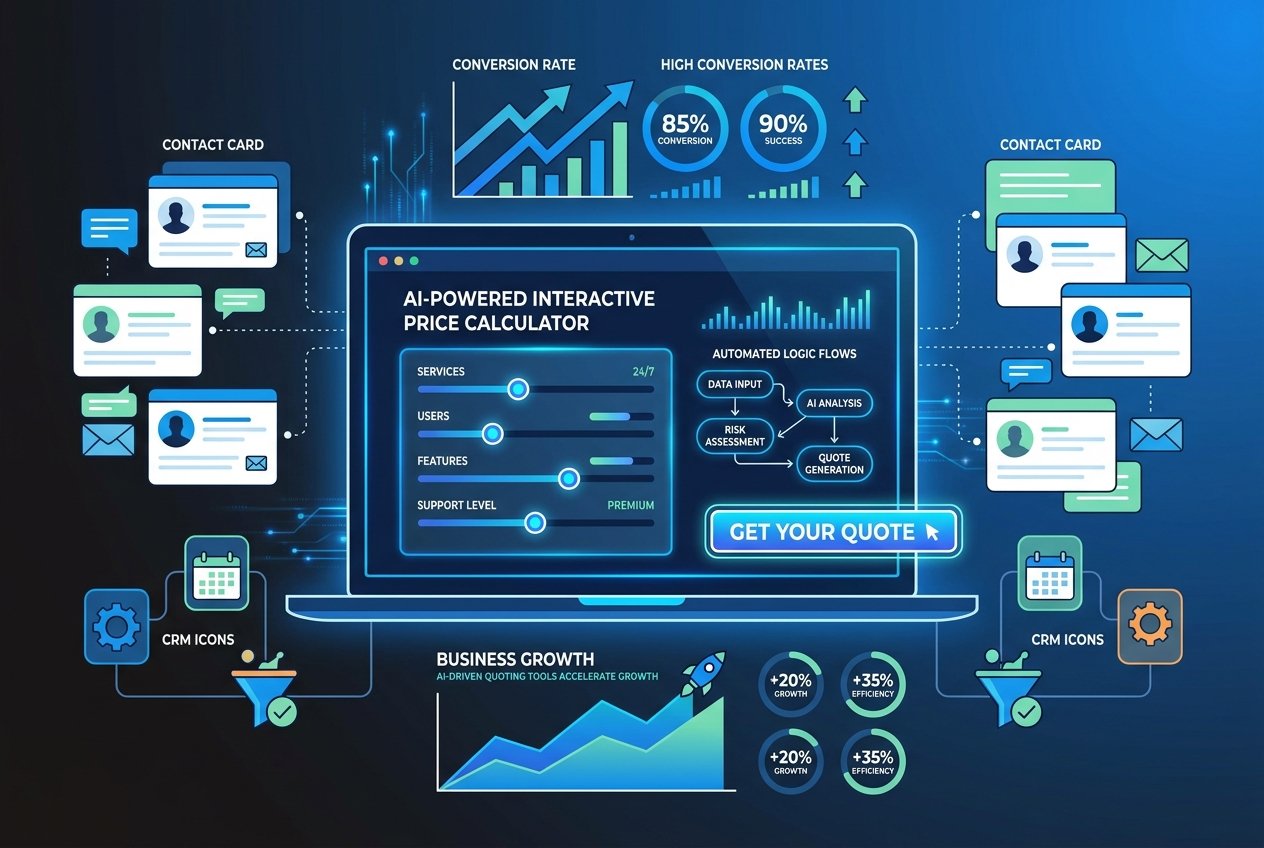
How to Create Your First AI-Powered Price Calculator for Your Website
If you have ever lost a potential customer simply because they could not get a quick answer to the question “how much does it cost?”, you are not alone. In today’s fast-paced digital landscape, UK businesses that fail to provide instant pricing information risk losing prospects to competitors who do. Enter the AI-powered price calculator, one of the most effective lead generation tools available to businesses of all sizes in 2026.
In this guide, we will walk you through everything you need to know to create your first price calculator AI tool for your website, from planning and building to optimising it for maximum conversions, without needing to write a single line of code.
Why an AI-Powered Price Calculator Is a Game-Changer
Before diving into the how, let us look at the why. The data speaks volumes. According to Outgrow’s 2025 Benchmark Report, interactive forms achieve an average conversion rate of 47.3%, which is 16.9 times higher than static contact forms. That is a staggering difference.
Furthermore, research highlighted by Walnut shows that interactive content drives 32% higher conversion rates compared to traditional static approaches, and buyers who engage with interactive tools are twice as likely to convert as those encountering passive content.
For UK businesses, particularly in service sectors like trades, consultancy, creative agencies, and professional services, an instant quote tool does something invaluable: it qualifies leads automatically, captures contact details, and keeps prospects engaged at the precise moment they are ready to buy.
What Is an AI-Powered Price Calculator?
A traditional price calculator is a simple form that takes a few inputs and spits out a number. An AI-powered version is considerably smarter. It can:
- Understand nuanced user inputs and ask intelligent follow-up questions
- Adjust pricing logic dynamically based on multiple variables
- Personalise the experience based on the user’s answers
- Integrate with your CRM or email marketing platform to capture and nurture leads automatically
- Provide a price range rather than a rigid figure, managing customer expectations
- Trigger automated follow-up sequences the moment a quote is generated
The result is a powerful piece of website automation that works around the clock, converting visitors into qualified leads while you sleep. This is precisely the kind of intelligent tooling that the team at Kaizen AI Consulting helps UK businesses build and deploy as part of a wider AI-driven growth strategy.
Step 1: Define the Purpose and Scope of Your Calculator
The most common mistake businesses make when building a price calculator is jumping straight into the build without a clear plan. Before you open any tool, answer these questions:
What service or product is being priced?
Be specific. A general “get a quote” form is far less compelling than a “Calculate Your Website Redesign Cost” or “Get Your Instant SEO Audit Estimate” tool. Specificity increases relevance and trust.
What are the key pricing variables?
List every factor that influences your pricing. For a web design agency, this might include the number of pages, e-commerce functionality, content writing requirements, and turnaround time. For a trades business, it could be property size, type of work, and location within the UK.
What should happen after a quote is generated?
Define the user journey post-quote. Should the calculator capture an email address before revealing the price? Should it trigger a follow-up email automatically? Should it book a discovery call via Calendly? Mapping this out in advance makes the build far smoother.
Step 2: Choose the Right Platform to Build Your Tool
The good news is that in 2026, you do not need to be a developer to create a sophisticated price calculator AI tool. A range of no-code and low-code platforms make the process accessible to any business owner or marketer.
Top platforms to consider:
- Taskade Genesis: Build AI-powered calculators from a single natural language prompt. Ideal for quick prototyping and embedding on your website.
- Outgrow: Specifically designed for interactive content including calculators, quizzes, and assessment tools. Strong analytics and CRM integrations make it particularly suited to lead generation.
- Make.com: A powerful visual automation platform for building complex pricing logic that connects to your CRM, email platform, and other tools. Perfect if you want sophisticated website automation behind the scenes.
- Bolt.new: A browser-based AI app builder that allows you to describe your calculator in plain English and receive an embeddable tool in minutes.
- Typeform with AI logic: A conversational form builder that creates a chat-like experience for users, making the quoting process feel personal rather than transactional.
Each platform has different strengths, and the right choice depends on your technical comfort level, budget, and the complexity of your pricing structure. If you are unsure which stack is right for your business, speaking to an AI specialist can save you significant time and money.
Step 3: Map Out Your Pricing Logic
This is the most critical step and the one that most businesses underestimate. Your pricing logic is the brain of your instant quote tool. It must be:
Accurate but flexible
Your calculator should produce quotes that are realistic enough to be credible but acknowledge that the final price may vary. Using ranges (e.g., “Your estimated investment is between £1,200 and £1,800”) is often more effective than a single figure, as it sets expectations without boxing you in commercially.
Simple from the user’s perspective
No matter how complex your backend logic, the user experience should feel effortless. Research consistently shows that forms with fewer than five steps achieve significantly higher completion rates. If your pricing involves many variables, use conditional logic to show only the questions relevant to each user’s journey.
Tested against real quotes
Before launching, run your calculator against at least 20 real past quotes or proposals. If the output is consistently off, refine the logic. The credibility of your lead generation tool depends entirely on producing estimates that feel trustworthy.
Step 4: Build the Lead Capture Mechanism
An AI price calculator without a lead capture mechanism is simply a free pricing tool, which is not your goal. There are two primary approaches to capturing lead data:
Gate the results
Require the user to enter their name and email address before the quote is revealed. This is the highest-friction approach but produces the most leads. It works best when you have a strong brand or the calculator itself is highly compelling.
Show the quote first, then capture
Display the estimate immediately, then offer something of additional value (a detailed breakdown, a comparison, or a consultation booking) in exchange for contact details. This lower-friction approach often results in higher quality leads, as the prospect has already self-qualified through the process.
Whichever approach you choose, ensure your lead capture feeds directly into a CRM or email automation sequence. Tools like HubSpot, Mailchimp, or ActiveCampaign can be connected to your calculator using Make.com or native integrations, creating a seamless automated pipeline. This level of website automation is central to scaling your lead generation without scaling your headcount.
Step 5: Integrate AI to Enhance the Experience
This is where a standard calculator becomes an AI-powered asset. There are several ways to layer intelligence into your quoting tool:
Natural language inputs
Instead of dropdown menus, allow users to describe their project in their own words. AI can interpret these descriptions and map them to your pricing variables automatically, creating a far more engaging and human experience.
Smart recommendations
Once a quote is generated, your AI layer can recommend related services, suggest a tier upgrade, or highlight why a slightly larger investment would deliver significantly better results. This is essentially an upselling mechanism built into your instant quote tool.
Personalised follow-up sequences
Use the data collected during the quoting process to personalise every subsequent touchpoint. If a user selected “e-commerce website” as their project type, every follow-up email should reference e-commerce, not general web design. This level of personalisation dramatically improves conversion rates further down the funnel.
Chatbot integration
Pairing your price calculator with an AI chatbot means users who have questions mid-quote can get instant answers without abandoning the process. According to Master of Code’s 2026 Generative AI Statistics, AI-driven automation tools are delivering productivity increases of up to 24.69% and cost savings of 15.7% for businesses that implement them properly.
Step 6: Optimise for SEO and UK Search Intent
Your price calculator is not just a conversion tool; it is also an SEO asset. Pages hosting calculators and quote tools tend to attract significant organic search traffic because they answer high-intent queries like “how much does X cost in the UK?”
To optimise your calculator page for UK search engines:
- Include your target keyword in the page title, H1, and meta description (e.g., “Free Instant Quote Tool for [Your Service] in the UK”)
- Write at least 500 words of supporting content on the page explaining what the calculator does and how pricing is determined
- Add schema markup to help search engines understand the interactive tool on the page
- Use UK-specific terminology and reference UK pricing conventions (per project, per day, per square metre, etc.)
- Build internal links from your services pages to your calculator page, and vice versa
- Encourage users to share their quote via social media or email to generate referral traffic
According to Digital Applied’s 2026 Conversion Rate Benchmarks, AI search referral traffic converts 22% higher than traditional organic traffic, meaning that well-optimised, interactive pages are increasingly favoured by modern search behaviour.
Step 7: Test, Launch, and Iterate
Before going live, conduct thorough testing across multiple devices and browsers. Pay particular attention to mobile performance, as the majority of UK website traffic now arrives via smartphone. Key areas to test include:
- Accuracy of quote outputs across a range of inputs
- Lead capture form submission and CRM integration
- Automated email triggers and sequences
- Load speed, particularly on mobile connections
- User journey clarity, ensuring it is obvious what each question is asking
Once live, set up conversion tracking in Google Analytics 4 and monitor completion rates, drop-off points, and lead quality weekly for the first month. Use this data to iterate. Even small adjustments, such as rewording a question or changing the order of steps, can have a significant impact on completion rates.
The Business Case: What to Expect from Your Investment
The returns from a well-built price calculator AI tool are measurable and often impressive. Businesses that have implemented interactive calculators as core lead generation tools report outcomes including:
- Significant reductions in time spent on manual quoting and back-and-forth emails
- Higher quality inbound leads, as only genuinely interested prospects complete the process
- Faster sales cycles, because prospects arrive at conversations already informed about pricing
- Improved customer experience and trust, as transparency around pricing builds confidence
- 24/7 lead capture without any additional staff costs
One case study highlighted by Outgrow showed a B2B business generating 87,381 qualified leads from a single interactive cost calculator, while another achieved a 56.44% conversion rate from their quoting tool, exceeding their lead target by 1,790%. While results of this scale are exceptional, even a modest improvement in your lead conversion rate can deliver a meaningful impact on revenue.
Getting Started: Your Next Steps
Building your first AI-powered price calculator does not have to be complicated, but getting it right from the start will save you significant time and effort down the line. The key success factors are clear pricing logic, a seamless user experience, robust lead capture, and intelligent automation behind the scenes.
At Kaizen AI Consulting, we specialise in helping UK businesses design, build, and deploy AI-powered tools, including bespoke price calculators and instant quote tools, that integrate seamlessly with your existing systems and start generating qualified leads from day one. Whether you are starting from scratch or looking to upgrade an existing form, our team can help you create a solution that reflects your brand, your pricing, and your business goals.
Explore how our AI automation services can transform the way your website works for your business, or take a look at our latest insights for more practical guides on leveraging AI for growth.
Ready to turn your website into a 24/7 lead generation machine? Get in touch with Kaizen AI Consulting today for a free consultation and discover how an AI-powered price calculator could transform your business.