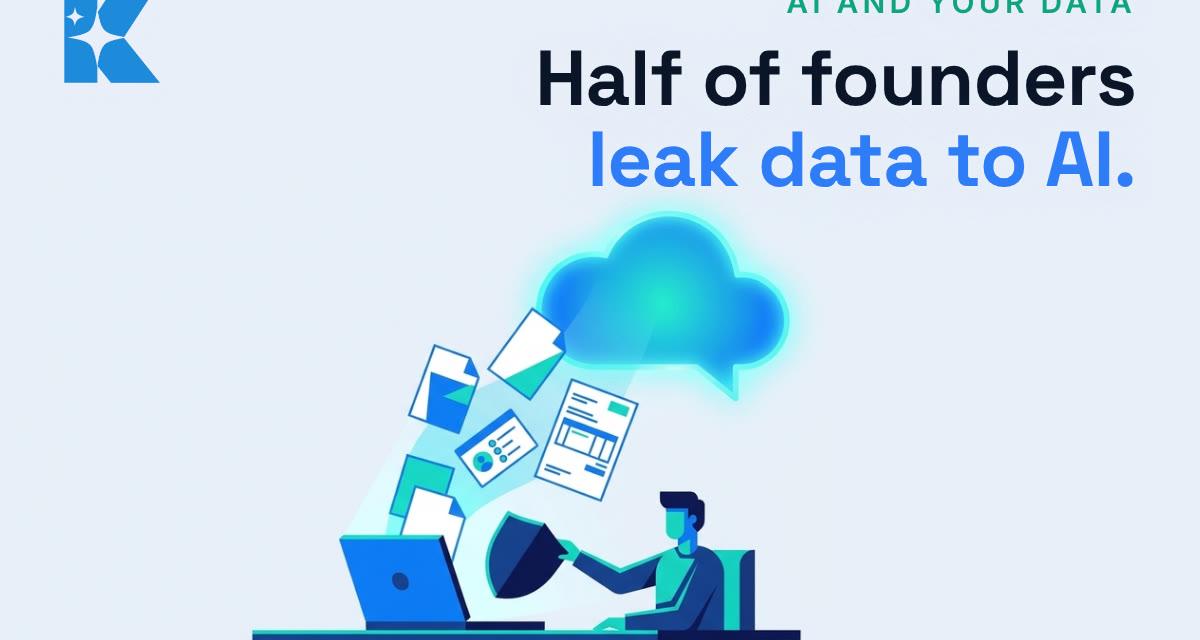
Half of UK founders put sensitive company information into a public AI tool in the past month. That is from the Startup AI Paradox Report by Startups.co.uk and Sage, which surveyed more than 400 UK founders, owners and senior executives. Our view: the answer is not to stop using AI. It is to change five settings and habits so you keep the time it saves without handing over things you cannot get back. All five take about ten minutes, and you can do them today.
We use ChatGPT, Claude and Gemini every day to run Kaizen, and these are the same checks we run on our own accounts. None of them needs a technical background.
Why this matters now
The same report notes that once sensitive information goes into a public model, it cannot be recalled, deleted or contained. Around nine in ten of the AI users surveyed said they worry that what they type could end up training someone else's model. They are worried, and they are doing it anyway, because the tools are useful.
Staff are no different. A Microsoft-commissioned Censuswide survey of 2,003 UK employees found that 71% have used consumer AI tools at work that their employer had not approved, and 51% still do so every week. Only 32% said they were concerned about the privacy of company or customer data they put into those tools. PagerDuty's 2026 UK report, a survey of 250 office professionals at larger companies, found 86% had shared work information with public AI tools and 51% had pasted in emails or other work correspondence.
There is a reason people keep doing it. The Microsoft research put the time saved by employees using these tools at just under eight hours a week. That is the prize worth protecting. The five fixes below let you keep it.
Fix 1: turn off model training on your own accounts
Most consumer AI apps have a setting that lets the company use your chats to improve its models. Switching it off is the single biggest step, and it takes a minute per app.
- ChatGPT: Settings, then Data controls, then switch off "Improve the model for everyone".
- Claude: Settings, then Privacy, then switch off "Help improve Claude".
- Gemini: there is no separate training switch. Training is tied to Gemini Apps Activity (labelled "Keep Activity" in some versions), so turn that off.
Menu names do move, so if a label looks different on your screen, look for the privacy or data section. One thing to know: switching it off covers future chats. It does not undo what has already been sent.
Fix 2: use a temporary chat for anything sensitive
For a one-off question about a client, a contract or a staff matter, open a temporary chat instead of a normal one. ChatGPT calls it Temporary Chat and Claude calls it an incognito chat. These chats do not appear in your chat history and are not used to train models. Google says it may still keep Gemini chats for a short period even with activity switched off, so treat Gemini with a little more care for the truly sensitive stuff.
A simple habit helps: if you would hesitate before emailing it to a stranger, it goes in a temporary chat, or it does not go in at all.
Fix 3: strip the names before you paste
Most of what you want AI to do (tidy an email, summarise a complaint, draft a reply) works just as well without the real names and numbers. Swap them out first. Replace the client's name with "Client A", remove account numbers, bank details, addresses and anything about health.
You can even get AI to help you do it safely. Paste this into a temporary chat with your own made-up example first, so you can see how it behaves:
Rewrite the text below so it contains no personal or identifying details. Replace every person's name with Person A, Person B and so on, every company with Company A, and remove phone numbers, email addresses, postal addresses, account numbers and dates of birth. Keep the meaning and tone exactly the same. If you are unsure whether something is identifying, remove it and tell me what you removed.
Better still, build the swap into the way you write the request in the first place. "Draft a polite reply to a customer whose order arrived late" gets you the same email as pasting the customer's actual message, with nothing personal in it.
Fix 4: give your team a business plan, not a free account
In the Microsoft survey, 28% of staff said they used consumer tools because their company did not provide an approved alternative. That is the easiest gap to close. Business tiers such as ChatGPT Business, Claude Team and Gemini in Google Workspace are generally not used for model training by default, and they give you one place to add and remove people when someone leaves.
For a team of three or four, that is a modest monthly cost against the risk of client details sitting in a dozen personal accounts you have no access to. If you only do one thing on this list for your staff, do this one.
Fix 5: write one line every member of staff can remember
You do not need a twenty-page policy. You need one line people actually remember. Ours is:
Never paste client names, bank details, health information, passwords or anything marked confidential into an AI tool, unless it is our business account and a temporary chat.
Put it in the staff handbook, say it at the next team meeting, and pin it wherever your team chats. Then ask people which AI tools they are already using. You will probably find one or two you did not know about, and that conversation is the point.
What you could get from ten minutes
On these figures, the upside is clear. If a member of staff saves anything like the eight hours a week the Microsoft research describes, you want them to keep using AI. These five fixes are how you let them, without client data sitting in places you cannot reach or delete.
Here is the whole list in one place:
- Turn off model training in ChatGPT, Claude and Gemini.
- Use a temporary chat for anything sensitive.
- Strip names and numbers before you paste.
- Move the team onto a business plan.
- Give staff one line they can remember.
If you would like a hand checking which tools your business is already using and setting them up properly, book a free 30 minute call with us and we will go through it together.
Sources
- Startups.co.uk: Half of business founders are leaking sensitive data (Startup AI Paradox Report, with Sage)
- Microsoft UK Stories: Rise in shadow AI tools raising security concerns for UK organisations
- PagerDuty: Two-thirds of office professionals have used unauthorised AI tools at work (2026)
- Tom's Guide: How to stop ChatGPT, Gemini and other AI models using your data for training


