
Supabase for Small Businesses: Building Your First Backend Without a Developer
If you have ever had a great idea for a business app, a customer portal, or an internal data tool, you have probably hit the same wall: building a backend is expensive, time-consuming, and usually requires a developer you cannot afford. The average UK back-end developer salary now sits between £45,000 and £73,000 per year according to Robert Half, before recruitment fees, onboarding, and employer National Insurance contributions are added. For most small businesses, hiring a dedicated backend developer simply is not an option.
That is exactly where Supabase comes in. This powerful, open-source platform gives small business owners access to a fully managed backend, a PostgreSQL database, user authentication, file storage, and real-time functionality, all wrapped in a dashboard that non-technical founders can actually use. Whether you are building a client database, an order management system, or a simple web app, this Supabase beginner guide will walk you through what it is, how it works, and how your business can benefit right now.
What Is Supabase and Why Should Small Businesses Care?
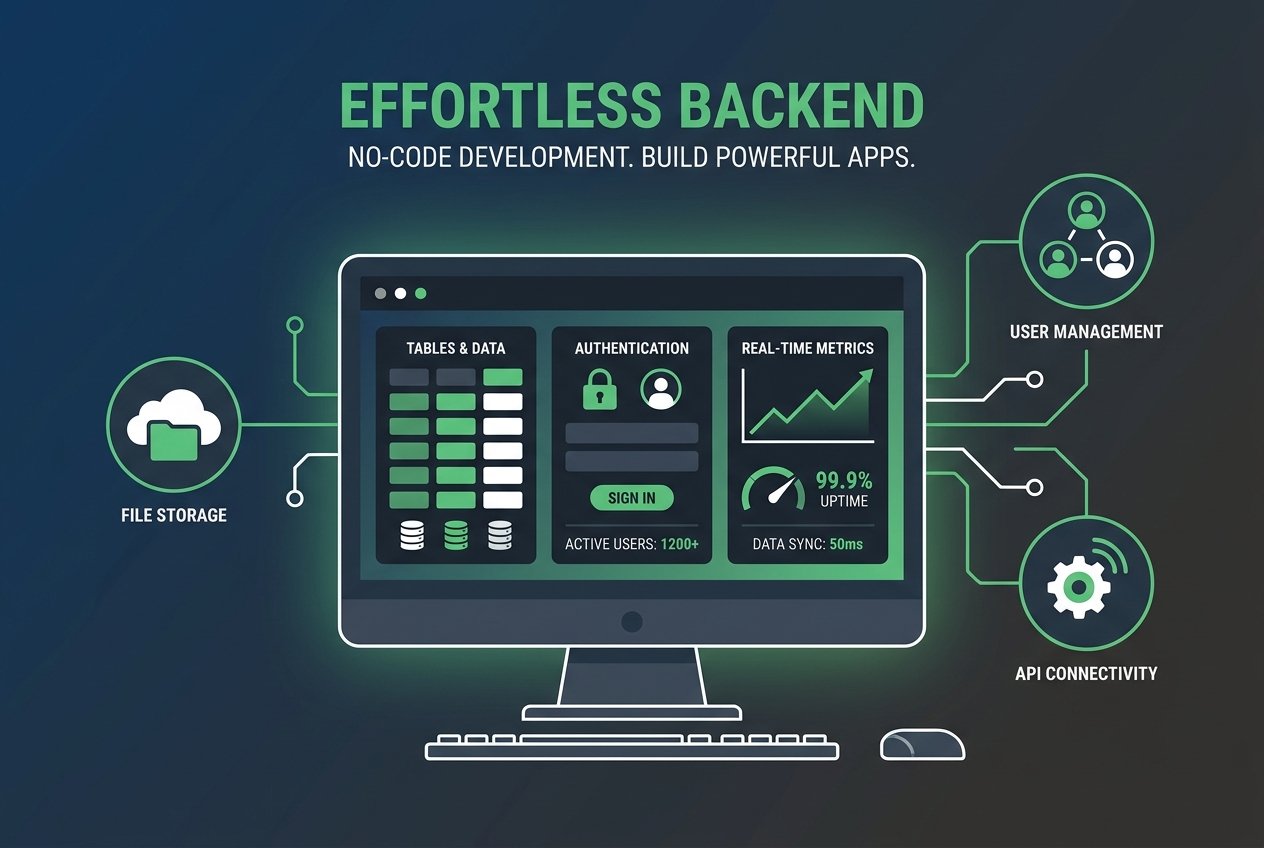
Supabase describes itself as an open-source alternative to Firebase, and it has quickly become one of the most popular backend for small business solutions available. Rather than piecing together a dozen separate services, Supabase bundles everything your application needs into one managed platform:
- PostgreSQL database – a world-class relational database that powers everything from small tools to enterprise systems
- Authentication – secure login flows with email, social providers, and custom OAuth
- File storage – upload and manage files such as images, PDFs, and documents
- Real-time subscriptions – live data updates without complex server configuration
- Edge Functions – serverless functions for custom business logic
- Auto-generated APIs – instant RESTful and GraphQL APIs from your database tables
In April 2026, Supabase raised $200 million in Series D funding, a clear signal that the market is backing this platform as a long-term infrastructure choice. More recently, the May 2026 Developer Update introduced improved Data API controls, a new @supabase/server SDK, and enhanced branching workflows. The platform is maturing quickly, and that is good news for small businesses betting their operations on it.
Understanding the Supabase Pricing Tiers in 2026
One of the most common questions in any Supabase tutorial is: how much does it cost? The good news is that Supabase pricing is genuinely accessible for small businesses:
- Free Plan (£0/month) – Includes 500 MB database, up to 50,000 monthly active users, 1 GB file storage, and unlimited API requests. Perfect for prototyping and early-stage tools. Note that projects are paused after one week of inactivity and you are limited to two active projects.
- Pro Plan (from $25/month per project) – Includes 8 GB database, 100,000 monthly active users, 100 GB file storage, 250 GB bandwidth, and daily backups with seven-day retention. This is the sweet spot for most small businesses going live.
- Team Plan ($599/month) – Designed for growing teams needing compliance features and priority support.
- Enterprise – Custom pricing for large-scale deployments.
For context, a small SaaS product or internal business tool with 10,000 to 100,000 users can typically operate for around $100 to $200 per month on the Pro plan, according to DesignRevision. Compare that to the cost of a full-time developer, and the savings are substantial.
A Step-by-Step Supabase Beginner Guide for Small Businesses
Do not be put off by technical-sounding terminology. Setting up your first business database on Supabase is more straightforward than you might think. Here is a practical starting point:
Step 1: Create Your Supabase Account and Project
Head to supabase.com and sign up for a free account. Once logged in, click New Project, give it a name (for example, your business name), choose a database password, and select a region. Choose Europe (London) if you want your data hosted close to your UK customers, which also helps with latency and data residency considerations.
Step 2: Build Your First Table Using the Table Editor
This is where database no-code tooling really shines. In the Supabase dashboard, navigate to Table Editor and click New Table. You can define columns just as you would in a spreadsheet. For example, a simple customer contacts table might include:
id(auto-generated primary key)full_name(text)email(text)phone(text)created_at(timestamp, auto-filled)
Once you save the table, Supabase automatically generates a RESTful API endpoint for it. You can immediately start reading, writing, and filtering data via that API, or directly through the dashboard.
Step 3: Add and Manage Data Through the Dashboard
You do not need to write any SQL to get started. The Table Editor lets you add rows, edit existing records, filter data, and even run simple queries through a point-and-click interface. This is particularly valuable for business owners who want to manage their own data without relying on a developer for every small change.
Step 4: Set Up Authentication for Your App or Portal
If you are building a customer-facing portal or an internal tool that requires logins, Supabase Authentication handles the entire flow. From the dashboard, go to Authentication and enable your preferred providers. Out of the box, you get email and password login, magic link login, and social logins via Google, GitHub, and more. Custom OAuth and OIDC providers were also expanded in the May 2026 update, giving you greater flexibility as your business grows.
Step 5: Connect to a No-Code or Low-Code Front End
Supabase is a backend platform, which means you will need a front end to display your data to users. The good news is that Supabase integrates seamlessly with popular no-code and low-code front-end builders such as Webflow, Bubble, WeWeb, and Softr. This combination of a no-code front end with a Supabase backend gives you a fully functional business application without writing a single line of code.
If you are unsure how to connect these tools or want a more tailored setup for your specific business needs, the team at Kaizen AI Consulting specialises in helping UK small businesses design and deploy exactly this kind of technology stack, saving you hours of trial and error and ensuring your data infrastructure is built correctly from day one.
Supabase vs Traditional Databases: Why It Wins for Non-Developers
A traditional self-hosted database, such as a bare PostgreSQL or MySQL server, requires significant technical knowledge to set up, secure, maintain, and back up. You are responsible for server provisioning, software updates, firewall configuration, and disaster recovery. For a small business, that is a significant overhead.
Supabase eliminates all of that operational burden. Your database is managed, backed up automatically on the Pro plan, and hosted on reliable cloud infrastructure. The 2026 Supabase vs Firebase comparison by WeWeb highlights that Supabase is increasingly the stronger choice for modern web applications, particularly when you value SQL-based data modelling, portability, and predictable pricing over proprietary lock-in.
Additionally, Supabase achieved ISO/IEC 27001:2022 certification in 2026, which is an important security credential for any UK business handling customer data under GDPR obligations.
Real-World Use Cases for UK Small Businesses
So what can a small business actually build with Supabase? Here are some practical and common use cases:
- Client relationship management (CRM) – Store and query customer contacts, interaction history, and deal statuses without paying for expensive off-the-shelf CRM licences.
- Booking and appointment systems – Build a simple table of appointments, integrate with a no-code front end, and add authentication so clients can manage their own bookings.
- Inventory tracking – Track stock levels, supplier details, and order histories in a structured, searchable database.
- Internal knowledge base or wiki – Store business procedures, templates, and documentation that your team can access and update in real time.
- Lead capture and management – Connect a landing page form directly to Supabase to capture, store, and route leads without a third-party CRM.
- Member portals and online communities – Use Supabase Authentication to gate content and create personalised user experiences.
The no-code development platforms market is projected to grow from $35.61 billion in 2025 to over $102 billion by 2030 at a CAGR of 22.7%, according to The Business Research Company. UK small businesses adopting tools like Supabase now are positioning themselves ahead of a wave of digital transformation that is reshaping how companies build and manage their technology.
The Bigger Picture: Supabase as Part of Your Digital Strategy
Supabase is not just a database tool. Used correctly, it becomes the data backbone of your entire digital operation. When combined with automation tools like Make or Zapier, you can trigger workflows whenever data changes. When paired with AI integrations, and Supabase is now an official ChatGPT App partner, you can even manage your database by describing what you want in plain English.
This is where having the right strategic partner makes a significant difference. At Kaizen AI Consulting, we help small and medium-sized businesses across the UK understand not just how to set up tools like Supabase, but how to build a coherent digital strategy that connects your data, your processes, and your customer experience. If you are ready to modernise your business infrastructure without the overhead of a full development team, we would love to hear from you.
Getting Started: Your Supabase Action Plan
Here is a simple action plan to get your first Supabase project off the ground this week:
- Sign up for a free Supabase account at supabase.com
- Identify one specific business problem you want to solve with a database (e.g. tracking customer enquiries)
- Use the Table Editor to design your first table with no more than five to seven columns
- Add five to ten rows of real data to test your setup
- Explore the API documentation to understand how to connect a front-end tool
- Choose a no-code front end such as WeWeb or Softr to display your data visually
- Set up Row Level Security (RLS) policies to ensure your data is properly protected
If any of those steps feel overwhelming, that is completely normal. Technology that is new always has a learning curve. The important thing is that the barrier to building a real, production-grade business backend has never been lower. Supabase puts capabilities that previously required a full engineering team into the hands of business owners who simply want to get things done.
You can also explore how digital tools fit into broader business growth strategies by reading our post on going from startup to success, which covers the strategic thinking behind building a scalable, technology-enabled business.
Conclusion
Supabase represents a genuine shift in what is possible for small businesses without a development team. With a free tier that is genuinely functional, a Pro plan starting at just $25 per month, and a dashboard designed for human beings rather than database administrators, it is one of the most compelling backend for small business solutions available in 2026.
Whether you are building your first business database, replacing a clunky spreadsheet, or laying the groundwork for a customer-facing application, Supabase gives you the infrastructure to do it properly, without the £50,000+ annual cost of a dedicated backend developer.
Ready to explore how the right technology stack can transform your business? Get in touch with Kaizen AI Consulting today and let us help you build a backend that actually works for your business, not just for developers.