
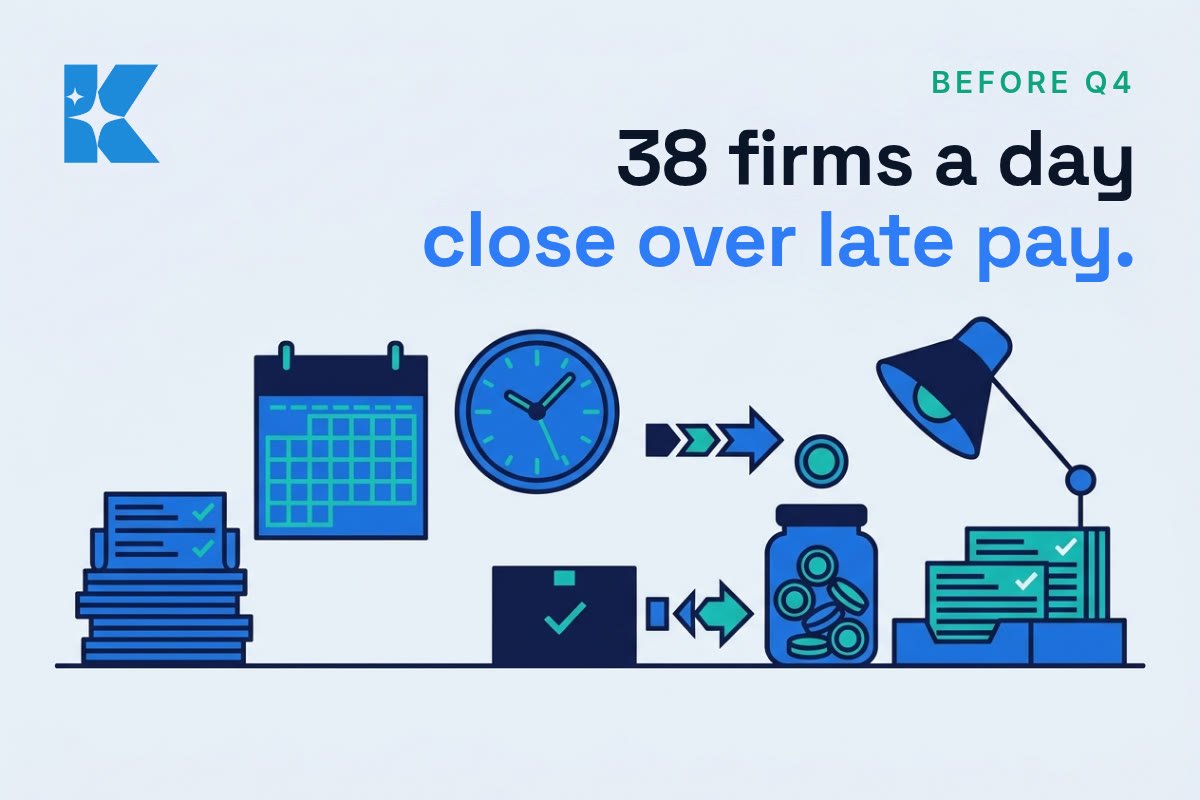
38 UK businesses close every day because of late payments. That is the government’s own estimate, from research published in July 2025 by London Economics for the Department for Business and Trade and the Office of the Small Business Commissioner. It works out at roughly 14,000 firms a year, and it should change how you think about the next three months.
Q4 is the busiest stretch of the year for a lot of small businesses. More jobs, more orders, more invoices going out. It is also the quarter when a weak process gets exposed, because volume doubles and the person who holds everything together in their head runs out of hours. So here is what we would tell a client: do not try to fix everything. Fix one process before the rush, and make it the one that gets you paid.
Why getting paid is the process to fix
The same research found that late payments cost the UK economy almost £11 billion a year, with around £26 billion owed to businesses at any one time. More than 1.5 million businesses, 28% of the total, are affected each year. And the time cost is the part nobody budgets for: businesses that chase late payments spend an average of 86 hours a year doing it, roughly 133 million hours across the economy.
Eighty-six hours is more than two working weeks of chasing money you have already earned. In a quiet month you can absorb that. In November, you cannot. You can read the full findings on the Small Business Commissioner’s late payments research page.
Step one: pick the process that breaks first
Ask yourself which task made you stay late in a busy week last year. For most small firms it is the sequence between finishing a job and the money landing in the bank. If it is something else, such as quoting or stock ordering, the method below still applies. The point is to choose one, not five. Five half-fixed processes in October are worse than one properly fixed one.
Step two: put the steps on one page
Write down who raises the invoice, when it goes out, who chases it, and on which day. Keep it to a single page. If the process lives in one person’s head, it fails the week that person is ill or on holiday. We would always draw this kind of one-page map first, because you cannot improve a process you cannot see.
Step three: invoice the day the work is done
Every day you wait to invoice is a day added to the payment clock. Send the invoice the same day, put the due date on it, and state your terms in writing every time. This costs nothing and is the single biggest lever most small firms have.
Step four: let software send the reminders
Most accounting tools, including Xero and QuickBooks, can send an automatic reminder before the due date, on the due date and a week after. That takes the awkward chasing off your plate. The trade-off is tone: an automated email to a long-standing customer can feel cold, so we would keep a personal phone call for your biggest accounts and let software handle the rest. Check the wording of each reminder before you switch it on.
Step five: know what the law already lets you do
Under existing UK law you can already claim statutory interest and a fixed fee on late commercial invoices, and many small firms never add it to their terms. A new Bill is also working through Parliament. According to ICAEW’s analysis of the late payments Bill, it proposes a statutory maximum payment term of 60 days, a 30-day deadline to dispute an invoice, and new powers for the Small Business Commissioner to investigate and fine persistent late payers. It is not law yet, so plan as though none of it will help you this Christmas.
Step six: time one week before the rush
Count the hours the process eats this week, before Q4 properly starts. Then compare it with the 86-hour national average. If you are above it, you have found your problem. If you are below it, you now have a baseline to beat. Either way, you will know the difference a fix makes, rather than guessing. For wider context on late payment trends, MarketInvoice’s 2026 late payment statistics are a useful cross-check.
What this will not do
A tidy process does not make a slow-paying customer pay faster. It makes late payment visible sooner, and gives you a routine for dealing with it. Some customers will still pay late, and for a few of them the right answer is a deposit up front or a shorter term next time. Be honest with yourself about which customers cost you more in chasing time than they are worth.
Let an AI agent take the chasing off your mind
You do not need AI to fix this, because same-day invoicing and a written reminder schedule do most of the work. But chasing money is exactly the kind of repetitive, rule-based job an AI agent is good at, and it is the part that sits on your mind at 10pm. An agent is a piece of software that works through a task for you, using your tools, rather than just answering a question.
Here is what that looks like in practice. Connect an agent to your accounting software (Xero and QuickBooks both have connectors for the major AI assistants). Each morning it can check which invoices are overdue, work out who is a quick nudge and who needs a call, and draft the right reminder in your voice for each one. It can summarise a long list of unpaid invoices into the five accounts that need you this week, and it can watch for payments landing so you stop chasing people who have already paid. For context, Xero’s own small business data says invoices that offer online payment options are paid up to twice as fast, and an agent can make sure every reminder carries that payment link. The result is that the chasing happens on schedule, and you stop carrying the list in your head.
There are trade-offs, and we would name them before you switch anything on. First, keep a human in the loop: let the agent draft and queue the reminders, and approve them yourself, at least until you trust the wording. A badly worded automated nudge to a good customer costs more than it saves. Second, you are giving a tool access to your financial data, so check what it can read and what it can send, and use the permissions that stop it sending or paying without your say-so. Third, it costs money: most of these tools run on a monthly subscription or per-use pricing, so look at the published price before you commit, and measure whether the hours you log in step six actually fall.
If you would rather not set that up alone, this is the kind of build we do at Kaizen: a small agent wired into the tools you already use, with approvals built in. Start with the free version of the idea, though. Ask an AI assistant to write three reminder emails in different tones, load them into your accounting software, and see how much of the load that lifts before you automate more.
The one-week plan
Here is the version we would run in your place. On Monday, write down the process on one page. On Tuesday, add your late-payment terms to your invoice template. On Wednesday, switch on automatic reminders for smaller accounts. On Thursday, ring your three biggest overdue customers yourself. On Friday, log the hours you spent and write the number down. Repeat the log each week through November and you will know whether the fix is working before Black Friday arrives.
We would rather you fix one process properly than buy five tools you never set up. If you want a second pair of eyes on yours, we are happy to look at it with you, and the booking link is below. Which process in your business breaks first when things get busy?