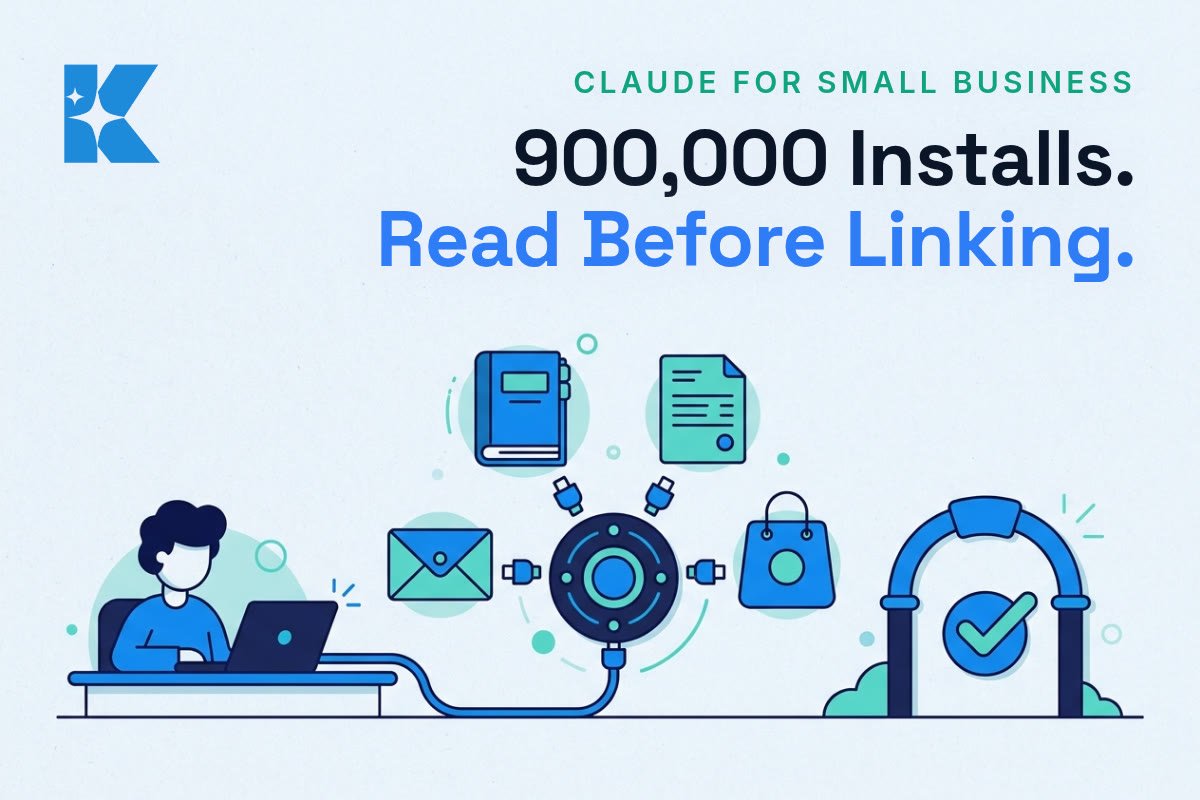
900,000. That is how many times Anthropic’s Claude for Small Business plugin has been installed since May, according to Forbes’ report on the latest update. It is a big number for a product aimed at owners who mostly do their own books, and it arrives just as the plugin has grown from bookkeeping into sales, lead follow-up and marketing.
We think it is worth pausing on. An install count tells you how many people tried something. It does not tell you how many kept it, or how many connected it to their bank and accounts and then wished they had done it more carefully. Here is what changed, what we would tell a client, and the one rule we would not skip.
What actually changed this month
The September update added 43 new workflows and 27 new integrations, taking the plugin to 37 partner connectors in total. The list now includes Shopify, Salesforce, TikTok Ads, Stripe, Square, Gusto and, importantly for UK owners, Xero alongside QuickBooks. It works on every paid Claude plan, and Anthropic sets out the details in its own announcement of the new workflows and integrations.
A few days later, on 23 September, Anthropic also opened the Claude Marketplace, a single catalogue of more than 2,000 connectors and plugins, as gHacks reported. That launch is pitched mainly at larger organisations, but it shows the direction of travel: AI assistants are becoming the layer that sits on top of the software you already pay for.
For a small business, the practical shift is simple. Until recently, using AI meant pasting text into a chat window. Now the assistant can reach into your accounting software, your online shop and your customer list, and do things rather than just suggest them.
Why this matters more than another chatbot upgrade
A chatbot that gives a poor answer costs you a minute. An assistant connected to your invoices and payments that gets something wrong can cost you a customer relationship or a payment you did not mean to make. The stakes rise the moment the tool can act.
That is why the design choice buried in this product matters. By default, each workflow starts in approval mode. Claude drafts the work, stages it, and waits for the owner’s go-ahead before anything sends, posts or pays. Once an owner is comfortable, they can let a specific workflow run on its own, and they can switch it back at any time.
We think that default is the right one, and the interesting question is what owners do with it. The temptation, after a week of tidy drafts, is to switch everything to automatic. That is where the risk sits.
The UK angle: Xero, and the data you are handing over
Many of our clients run on Xero rather than QuickBooks, so the addition matters. Xero and Anthropic have announced a collaboration, and Xero’s UK media release is worth reading if you want to see how the two fit together.
Connecting an assistant to accounting data also raises a UK GDPR question that a lot of owners skip. Your books hold customer names, addresses, payment histories and sometimes health or family details in the notes. Before you connect anything, you should know which of that data the assistant can read, whether it is stored, and who in your business is allowed to switch the connection on. It is a ten-minute check, not a legal project, and it belongs before the first workflow rather than after the first problem.
What we would tell a client: five steps
1. Connect one thing, not five. Pick the job that costs you the most hours. For many owners that is chasing invoices or replying to new enquiries. Connect only the tool that job needs.
2. Keep approval mode on for at least two weeks. Read every staged item properly. You are not just checking for mistakes. You are learning what the assistant gets right and where it guesses.
3. Keep a simple log of corrections. If you fix the same thing three times, that is a rule to write into your instructions, or a sign the job is not ready to hand over.
4. Automate the reversible before the irreversible. Drafting a reminder email is reversible. Sending a payment is not. Earn the right to automate the second by having a clean record on the first.
5. Write down who can change the settings. If two people share a login and one switches a workflow to automatic, the other should know. Put it in a line in your onboarding notes.
The trade-offs to be honest about
None of this is free of cost. Approval mode saves you the drafting but not the checking, so the time you win back is smaller than the marketing suggests, especially in the first month. A connected assistant also means another set of permissions to manage and another supplier that holds a route into your data.
There is a vendor point as well. Anthropic is not the only option. OpenAI and Google both offer connected assistants, and the right one for you is usually the one that already works with the accounting and shop software you use. We would compare on the connectors you actually need, not the headline count.
Finally, remember where the 900,000 figure comes from. It is a supplier’s own count of installs, reported by Forbes. It is a useful sign that owners are curious. It is not evidence that the workflows save any particular amount of time or money, and we would not plan a budget around it.
Where to start this week
If you have not tried a connected assistant yet, choose the single most repetitive admin job in your week and write down how long it takes. Connect only the tool it needs, leave approval mode on, and review every draft for a fortnight. At the end, compare the time you spent checking against the time it used to take you to do the job by hand. That gives you a number of your own, which is worth more than any install count.
If you would rather have someone look at your setup first, we run a free 30-minute AI audit, and we will tell you plainly whether a job is ready to hand over or should stay with you for now.