The way businesses interact with artificial intelligence is undergoing a fundamental transformation. No longer are AI tools simply clever chatbots or basic automation scripts. With the introduction of Claude Code skills, Anthropic has unlocked a new paradigm where organisations can teach AI to follow their specific workflows, embed domain expertise, and execute complex multi-step processes with remarkable consistency.
For UK businesses seeking competitive advantage through AI customisation, understanding how to leverage these advanced Claude features could be the difference between incremental improvement and transformational change. In this comprehensive guide, we explore everything you need to know about Claude Code skills and how they can extend AI capabilities for your organisation.
What Are Claude Code Skills?
Claude Code skills represent a significant evolution in how businesses can customise and extend AI capabilities. At their core, skills are modular, reusable task components that allow Claude to perform specialised workflows on demand. Unlike traditional prompts that require users to explain their requirements from scratch each time, skills enable you to teach Claude once and benefit every time.
According to Anthropic’s comprehensive guide, skills are particularly powerful when you have repeatable workflows: generating frontend designs from specifications, conducting research with consistent methodology, creating documents that follow your team’s style guide, or orchestrating multi-step processes across multiple applications.
The architecture is elegantly simple yet remarkably powerful. Each skill consists of a markdown file containing instructions and metadata, accompanied by optional linked files and even executable Python scripts. This structure allows Claude to understand not just what to do, but how to do it according to your organisation’s specific standards and preferences.
The Business Case for Workflow Automation Through Skills
UK businesses are increasingly recognising the transformative potential of AI-driven automation. Recent statistics paint a compelling picture: approximately 35% to 39% of UK SMEs are now actively utilising AI-powered tools, a significant increase from 25% in 2024. Furthermore, 66% of UK enterprises are experiencing significant AI-driven productivity improvements, according to IBM’s recent productivity study.
Claude Code skills address several critical business challenges:
- Consistency at Scale: Without skills, each conversation with Claude starts from scratch, leading to inconsistent results because users prompt differently each time. With skills, pre-built workflows activate automatically when needed, ensuring reliable, consistent output.
- Token Efficiency: Skills use progressive disclosure, where Claude scans each skill’s YAML frontmatter at startup, builds a lightweight index with minimal token cost, and loads full details only when relevant. This approach is significantly more efficient than loading all context upfront.
- Reduced Training Burden: Rather than training every team member on optimal prompting techniques, skills embed your organisation’s best practices directly into the AI’s workflow.
The practical impact is measurable. Anthropic’s own documentation shows that workflows using skills can reduce back-and-forth messages from 15 to just 2 clarifying questions, eliminate failed API calls, and cut token consumption in half.
Three Categories of Claude Code Skills
Understanding the different types of skills helps organisations identify where they can achieve the greatest impact:
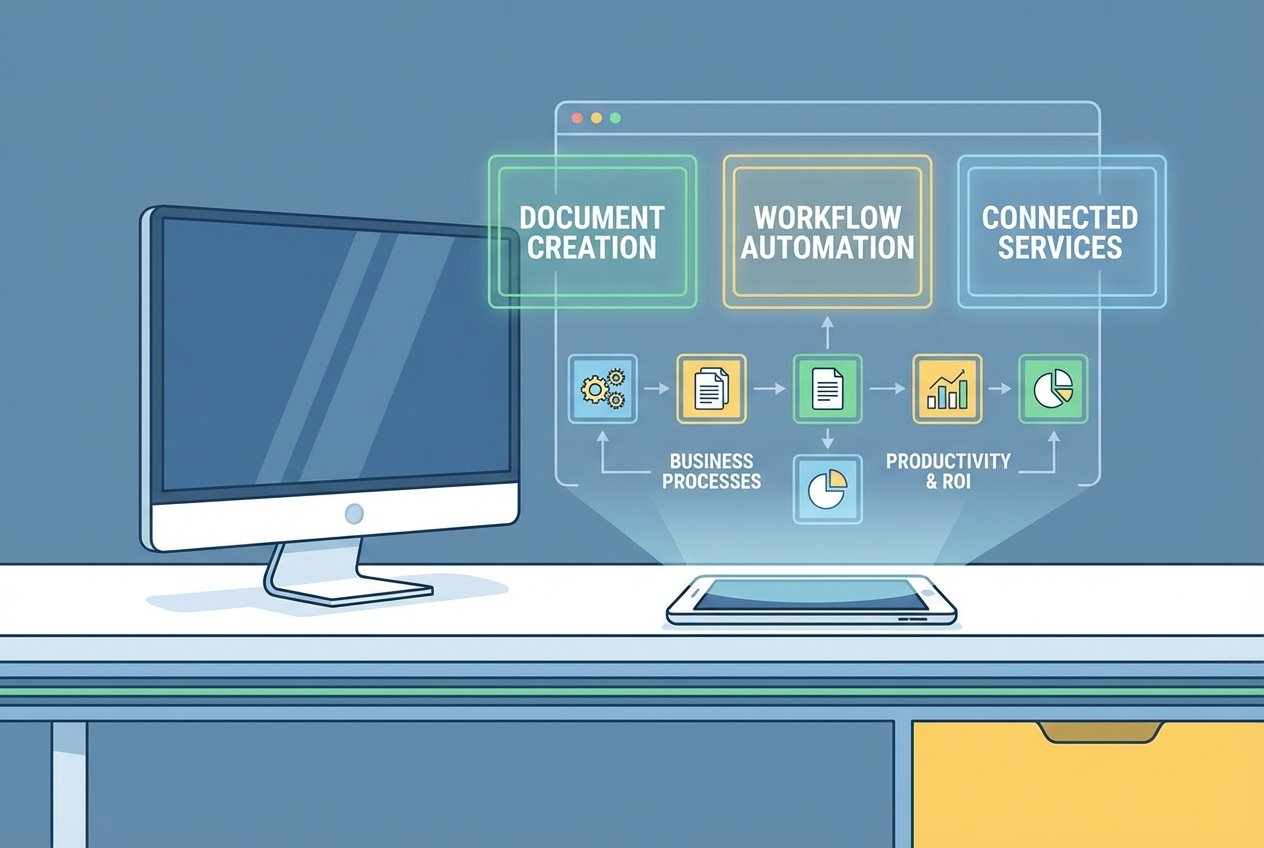
Category 1: Document and Asset Creation
These skills focus on creating consistent, high-quality output including documents, presentations, applications, designs, and code. A prime example is the frontend-design skill, which creates distinctive, production-grade frontend interfaces. Key techniques include embedded style guides, brand standards, template structures for consistent output, and quality checklists before finalising.
Category 2: Workflow Automation
Used for multi-step processes that benefit from consistent methodology, including coordination across multiple systems. The skill-creator skill itself exemplifies this category, walking users through use case definition, frontmatter generation, instruction writing, and validation. These skills feature step-by-step workflows with validation gates, built-in review suggestions, and iterative refinement loops.
Category 3: MCP Enhancement
For organisations using the Model Context Protocol (MCP) to connect Claude to external services like Notion, Asana, or Linear, skills add a powerful layer of workflow guidance. While MCP provides connectivity and real-time data access, skills teach Claude how to use these services effectively, capturing workflows and best practices.
How Skills Work with the Model Context Protocol
The relationship between skills and MCP represents a sophisticated approach to AI integration. MCP handles connectivity, connecting Claude to your services and providing real-time data access and tool invocation. Skills handle knowledge, teaching Claude how to use your service effectively and capturing workflows and best practices.
Without skills, users connect their MCP but may not know what to do next, each conversation starts from scratch, and results remain inconsistent. With skills, pre-built workflows activate automatically, tool usage becomes consistent and reliable, and best practices are embedded in every interaction.
This combination is particularly valuable for UK businesses operating across multiple platforms. Consider a scenario where a project manager needs to coordinate sprint planning across Linear, update documentation in Notion, and communicate progress through Slack. A well-designed skill can orchestrate this entire workflow, fetching current project status, analysing team velocity, suggesting task prioritisation, and creating tasks with proper labels and estimates.
Implementing Claude Code Skills: A Practical Guide
Getting started with Claude Code skills requires understanding both the technical structure and strategic planning involved. Here is a practical roadmap:
Step 1: Identify Your Use Cases
Begin by identifying two to three concrete workflows that would benefit from crystallisation as skills. Look for processes that are repeatable, high-volume, or require consistent methodology. Common starting points include document generation following company templates, research workflows with standardised approaches, code review processes, and customer onboarding sequences.
Step 2: Design Your Skill Structure
Each skill starts with a SKILL.md file containing YAML frontmatter that defines metadata including the skill’s name, description, and trigger phrases. The description should include keywords or trigger words for the skill to be invoked. For example: “Manages Linear project workflows including sprint planning, task creation, and status tracking. Use when user mentions sprint, Linear tasks, project planning, or asks to create tickets.”
Step 3: Write Clear Instructions
The instructions section is where your prompt engineering expertise comes into play. Use markdown formatting to structure guidance clearly. Anthropic recommends avoiding vague language like “create sophisticated systems” in favour of specific instructions such as “analyse Figma design files and generate developer handoff documents.”
Step 4: Test and Iterate
Skills can be tested at varying levels of rigour. Manual testing in Claude.ai allows fast iteration with no setup required. For more repeatable validation, scripted testing in Claude Code enables automated test cases across changes. The skill-creator skill, available in Claude.ai via the plugin directory, can help you build and iterate on skills efficiently.
For UK businesses looking to implement Claude Code skills effectively, partnering with specialists who understand both the technical requirements and business context can significantly accelerate time to value. At Kaizen AI Consulting, we help organisations identify high-impact skill opportunities and implement them in ways that align with existing workflows and business objectives.
Advanced Patterns for Skill Development
As organisations become more sophisticated in their use of Claude Code skills, several advanced patterns emerge:
Sequential Workflow Orchestration
This pattern chains multiple steps together, where each step builds on the previous one. For example, a content creation skill might first research the topic, then outline the structure, draft the content, and finally format according to brand guidelines.
Multi-MCP Coordination
For organisations using multiple connected services, skills can coordinate actions across systems. A sales automation skill might pull lead data from HubSpot, check availability in Google Calendar, draft personalised outreach using company templates, and log activities back to the CRM.
Context-Aware Branching
More sophisticated skills include decision logic that adapts behaviour based on context. If you are a business owner running on AWS with microservices and databases, a deployment skill might include specific logic for which services are editable and how to modify them safely.
Domain-Specific Intelligence
Skills can embed deep domain expertise, enabling Claude to act as a specialist rather than a generalist. This is particularly valuable in regulated industries where compliance requirements must be consistently applied.
Skills Via API: Scaling AI Customisation
For programmatic use cases, building applications, agents, or automated workflows that leverage skills, the API provides direct control over skill management and execution. Key capabilities include the /v1/skills endpoint for listing and managing skills, adding skills to Messages API requests via the container.skills parameter, and version control through the Claude Console.
This API access enables organisations to build production-scale deployments where skills power automated pipelines and agent systems. The Claude Agent SDK further extends these capabilities, allowing companies to build custom sub-agents that handle specific roles with higher persistence and consistency than standard chat interactions.
Real-World Impact Across Industries
The practical applications of Claude Code skills span numerous sectors. In legal services, skills can assemble due diligence packages, pulling relevant precedent documents from document management systems, accessing corporate records, and drafting preliminary reports with proper citations. For valuation firms, skills can access real-time financial data, pull market comparables from proprietary databases, and generate preliminary valuations based on established models.
Private equity firms are using skills to transform deal flow processes, monitoring deal sourcing platforms, automatically pulling financial statements, analysing performance metrics against investment criteria, and flagging particularly promising opportunities for immediate partner attention.
UK enterprises report that AI integration is delivering measurable productivity gains, with companies successfully using Claude achieving three times higher employee satisfaction rates compared to those that have not adopted these technologies.
Distribution and Organisation-Wide Deployment
Claude Code skills can be distributed at multiple levels. Personal skills are linked to an individual user’s account, carrying their preferences across projects and sessions. Project skills live inside a repository and become automatically available when that project is opened. Organisation-level skills allow admins to deploy skills workspace-wide with automatic updates and centralised management, a capability that shipped in December 2025.
For enterprise deployments, this centralised management ensures consistency across teams whilst reducing the burden on individual users to configure their own environments. It also enables organisations to iterate on skills centrally and have improvements propagate automatically to all users.
Getting Started: Your Next Steps
The journey to leveraging Claude Code skills for workflow automation begins with understanding your organisation’s specific needs and identifying where AI customisation can deliver the greatest value. Whether you are looking to streamline document creation, automate multi-step processes, or enhance your existing tool integrations, skills provide a structured framework for extending Claude’s capabilities.
For UK businesses ready to explore these advanced Claude features, the path forward involves several considerations: identifying high-value use cases, understanding the technical requirements, and developing a deployment strategy that aligns with your organisation’s broader digital transformation goals.
If you are looking to implement Claude Code skills but unsure where to begin, get in touch with Kaizen AI Consulting. Our team specialises in helping UK businesses identify automation opportunities, design effective skills, and implement AI solutions that deliver measurable business outcomes. From initial assessment through to full deployment, we can guide your organisation through every step of the AI customisation journey.
The future of business AI is not about generic tools applied uniformly across organisations. It is about customised, intelligent systems that understand your specific workflows, embed your expertise, and deliver consistent results at scale. Claude Code skills represent a significant step toward that future, and the organisations that master these capabilities today will be best positioned for competitive advantage tomorrow.