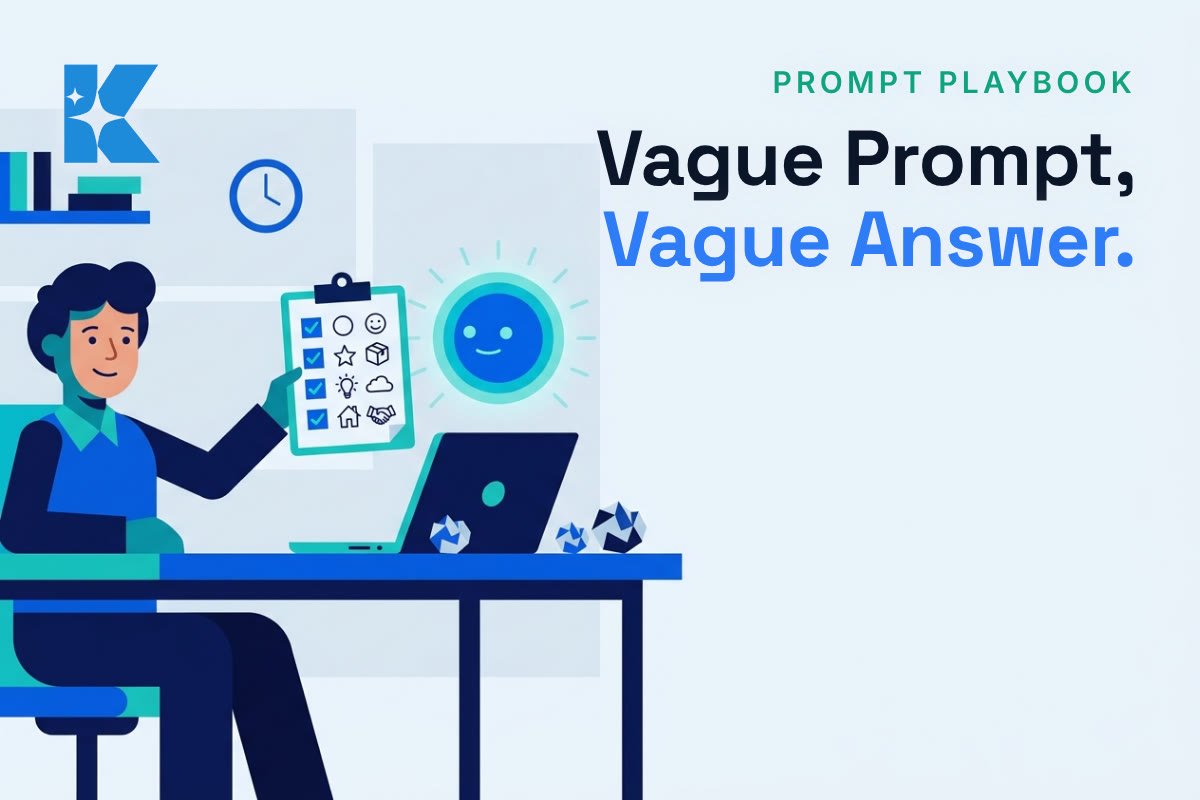
If your AI keeps giving you generic, waffly answers, the fault is usually the brief, not the tool. A vague prompt gets a vague answer, every time, in ChatGPT, Claude and Gemini alike. Here is the six-part checklist we would hand any client, with a first step for each that takes minutes.
Why the answer is vague when the prompt is
An AI model knows nothing about your business, your customers or your standards unless you tell it. Anthropic’s own prompting guide puts it plainly: treat the model like a capable new starter with no background on your norms, and give it the context you would give them. It also suggests a simple test. Show your prompt to a colleague who knows nothing about the task, and if they would be confused, the AI probably will be too.
That matters because plenty of UK owners are still finding their feet. Simply Business’s 2026 research found 47% of UK small businesses now use AI tools, but only 19% of owners call themselves very confident using them day to day. Closing that gap is mostly about better briefs, not better software.
1. Say the job and who it is for
“Write something about our offer” gives the AI nothing to aim at. “Write a 90-word email to existing customers announcing our winter booking slots” does. Name the task, the reader and the length. Start with: rewrite your last prompt so a stranger could tell who reads the result.
2. Give it the context it cannot guess
Two lines on what you sell, where, and to whom change the whole answer. Write them once, save them somewhere handy and paste them at the top of every prompt. Most tools also let you store this permanently, in a Project, a custom instruction or a saved profile, so you stop repeating yourself. Start with: save a two-line business description today.
3. Say what a good answer looks like
OpenAI’s current prompting guidance asks for the outcome, the success criteria and the limits up front. For a business owner that translates to: friendly but not chatty, under 100 words, one clear next step. Without a bar to hit, the AI picks its own, and it usually picks long. Start with: add one line starting “A good answer will…” to your next prompt.
4. Show it one example
Paste in a reply or post you were happy with and say “match this tone”. One good example often does more than a paragraph of description. The trade-off is that the AI can copy the example too closely, so use a real one and check that the new version is not a near duplicate. Start with: find your best past email and use it as the model.
5. Ask for the format you will actually use
A table you can paste into a spreadsheet. Three subject lines. A numbered checklist. If you do not say, you get an essay, and you spend the time you saved reformatting it. Ask for the shape, not just the content. Start with: end your next prompt with “Give me this as…” and name the format.
6. Give it a way out, then check the facts
Add “if you are not sure, say so instead of guessing”. It will not remove every error, because these tools can still state wrong things with complete confidence, but it gives the model permission to admit a gap. Prices, dates, legal points and anything that will go to a customer still need a human check against a real source. Start with: check one figure in your last AI answer today.
One prompt, before and after (an illustration)
Before: “Write a post about our spring offer.”
After: “We are a family-run garden centre in Kent. Write a Facebook post of about 60 words for existing customers announcing 20% off bedding plants this weekend only. Friendly, not salesy, no exclamation marks. End with one clear next step. Match the tone of the example below. If you need a detail I have not given you, ask me instead of inventing it.”
The second one takes about a minute longer to write. It usually saves the rounds of rewrites the first one would have needed.
Three habits that quietly ruin answers
First, pasting a long document and asking a vague question about it. Say what you want pulled out, and put the question after the material. Google’s guidance for Gemini makes the same point. Second, stacking five unrelated jobs into one prompt. Split them, and you can check each result separately. Third, accepting the first draft without a follow-up. Replying “shorter, and lead with the price” costs ten seconds and often does more than rewriting the original prompt from scratch.
Keep one honest caveat in mind
Newer models are better at working out what you meant, and some vendors now advise shorter prompts than they did a year ago. OpenAI’s guidance, for instance, warns against piling on process rules the model does not need. So do not treat this as a formula to bolt on every time. For a quick question, a quick prompt is fine. Use the full checklist for the work that goes in front of customers, where a bad first answer costs you time or credibility.
What we would do first
Pick the one task you re-prompt most, the one where the first answer is never quite right. Write the brief once using the six parts, save it, and reuse it. Next week, add an example. That is the whole routine. If you would like help turning your repeat tasks into saved prompts or simple automations, a short call is a good place to start.